
Wix Local SEO: How to Rank in Many Cities Without Thin Location Pages
 Sohaib MehmoodOwner & CEO · 9 min read
Wix local SEO for a business that serves many cities comes down to one thing: a separate, genuinely useful page for each place people search for, linked into a clear structure. We did this for Canada Medical Notes, an online doctor's-note service we built on Wix. In seven months the site went from almost no Google traffic to 9.04K clicks. This is the playbook, including where location pages cross the line into spam.
Key takeaways
- A location page ranks when it answers a local question your other pages can't. Swapping the city name is not enough.
- Use three layers: service pages, region (province or state) pages and city pages, linked from one hub.
- Google's spam policies name city pages "that funnel users to one page" as doorway abuse. Write fewer, better pages.
- On Wix, use CMS dynamic pages when pages share one layout, and static pages when each needs its own sections.
- Canada Medical Notes, April to October 2026: 9.04K clicks, 437K impressions, 2.1% average CTR, average position 6.
The result: what this structure did for Canada Medical Notes
Service pages, province pages, city pages and answer-first content took Canada Medical Notes from almost no Google clicks in April 2026 to around 200 a day on busy weekdays by late October.
Canada Medical Notes helps patients get a doctor's note online. A licensed physician reviews each request, and the note arrives by email the same day. We built the Wix site, added a custom AI chatbot and ran the SEO. The site has a service page for each note type, 10 province pages, 16 city pages, answer-first home page content and a blog.
| Google Search Console, April to October 2026 | Result |
|---|---|
| Clicks | 9.04K |
| Impressions | 437K |
| Average CTR | 2.1% |
| Average position | 6 |
| Daily clicks | Almost none in April; around 200 on busy weekdays by late October |
One honest caveat: these are whole-site numbers. Service pages, the home page and the blog all contributed, so we can't credit the location pages alone. The full build is in our Canada and US Medical Notes case study.
Step 1: Research keywords and locations first
Build a page for a place only when people search for your service with that place in the query, or when the rules really differ there. If neither is true, the page has nothing to say.
Patients search the way they talk: "doctor's note Toronto", "sick note for work". Sick-leave rules also differ by province, which made provinces a natural page level for Canada Medical Notes. For your own site:
- List your services in the words customers use.
- Combine them with places and check search volume in Semrush or Ahrefs. Search Console shows which place names already appear in your queries.
- Find what differs locally: laws, permits, licensing, prices, institutions.
- Build a sheet with one row per place: target query, volume and what's locally different. If the last column is empty, skip that page.
That's how to rank in multiple cities without writing pages nobody needs.
Step 2: Plan the architecture: service, region and city pages
Use three layers linked from one hub. Service pages explain what you do, region pages explain the rules, and city pages explain the local situation.
On Canada Medical Notes, the home page is the hub. It links to all 10 province pages and all 16 city pages, every city page lists the other cities, and service pages sit in the main navigation. Each layer has its own URL pattern: /provinces/ontario for provinces, /doctors-note-toronto for cities.
Three rules we follow on multi-location sites:
- Don't build a service-by-city grid. Seven services times 16 cities is 112 near-identical pages, which is the pattern Google's doorway policy describes. One strong city page that covers every service beats seven thin ones.
- Link in three directions. Up to the region page, across to related services and nearby cities, and down from the hub. Use descriptive anchors such as "doctor's note in Calgary".
- Keep depth shallow. Every location page should be a few clicks from home. Our post on whether Wix is good for SEO explains why structure, not the platform, is where Wix sites usually lose.
Step 3: Make every location page genuinely unique
A location page earns its place when a reader in that city learns something your other location pages don't tell them. That's the core of location pages SEO.
The Toronto page on Canada Medical Notes contains:
- An H1 with the service and the city, and a request button.
- What Ontario's employment rules say an employer can and can't ask for.
- How the city's universities handle medical deferrals, with the schools named.
- The local health networks and the local problem: clinic waits and people without a family doctor.
- The process, an FAQ and links to the other cities.
The province pages cover a different set: that province's sick-note rules, what a doctor's note typically costs there, and the provincial health authorities.
Use this checklist for your own pages:
- Local rules. Permits, licensing, employment law, building codes.
- Local institutions. The councils, schools or hospitals your customers deal with.
- Local questions. Pull them from sales calls, emails and Search Console queries. Chatbot conversations are a good source too.
- Local proof. Real projects, photos and reviews from that area. Never invent them.
- Local differences. Prices, timelines or availability that change by place.
Our rule of thumb: at least half the main content should only make sense for that place. If you can swap the city name and the page still reads correctly, it's thin.
Doorway pages and scaled content: where Google draws the line
Google treats location pages as spam when they exist only to rank and push visitors elsewhere, or when they're mass-produced without value. Both are in Google's spam policies.
Under doorway abuse, Google lists "having multiple domain names or pages targeted at specific regions or cities that funnel users to one page" and "creating substantially similar pages that are closer to search results than a clearly defined, browseable hierarchy".
Scaled content abuse is "when many pages are generated for the primary purpose of manipulating search rankings and not helping users", and it applies "no matter how it's created". Google's helpful content guidance also asks: "Are you using extensive automation to produce content on many topics?"
How to stay on the right side:
- Make each page useful on its own. A visitor should be able to read the local answer and act on the same page. On Canada Medical Notes, the "Get Your Note" button sits in the header and at the end of every key page.
- Keep the hierarchy browseable. Region and city pages should form a structure a person can navigate.
- Edit AI drafts by hand. If you use AI for a first draft, check every local fact against the official source. Rules change, and a wrong one costs trust.
- Publish fewer pages, written well. Start with the 10 to 20 places you can genuinely cover.
Building location pages on Wix: static or CMS dynamic pages
Use Wix CMS dynamic pages when your location pages share one layout and differ in data. Use static pages when each page needs its own sections or hand-written copy.
| Static pages | CMS dynamic item pages | |
|---|---|---|
| Best for | A handful of pages with different layouts | Many pages with the same layout |
| Editing | Each page in the Editor | One row per location in a collection |
| SEO title and description | Set per page | Set once as a pattern with collection field variables |
| Wix page quota | Counts toward the 100 static page limit | Item URLs don't count |
| URL | Any slug | Built from collection fields, such as /provinces/ontario |
Wix's dynamic pages article confirms a site "can have up to 298 pages, including up to 100 static pages", and that dynamic item URLs "do not count towards your site's total page quota."
Canada Medical Notes uses both. The 10 province pages run from one CMS collection and a dynamic page, and the 16 city pages are individual static pages. Provinces share one structure; cities carry different local sections.
For Wix dynamic pages SEO, four habits matter:
- Add SEO fields to the collection. Create fields for the SEO title and meta description, then use them as variables in your SEO settings. Item page settings live in the SEO dashboard under "Edit by page type".
- Don't delete a field a variable uses. Wix warns the variables need their collection fields to work.
- Store real content per item. Give each location a rich-text field with its own copy. A dynamic page that only swaps the name is the thin page from Step 3.
- Check the sitemap. Wix lists dynamic item pages in their own sitemap file, as you can see in the Canada Medical Notes sitemap index.
Write answer-first so AI Overviews can quote you
Open every page and section with a direct answer to the question it targets, then add detail. That helps classic snippets and AI answers at the same time.
Google's AI features page says there are "no additional requirements to appear in AI Overviews or AI Mode, nor other special optimizations necessary", beyond being indexed and eligible for a snippet. So the work is ordinary good writing: a clear question, a short answer, then proof.
The Canada Medical Notes home page opens with a direct answer to "What is an online doctor's note in Canada?", explains what employers can and can't ask for, then summarizes paid sick days province by province. For more on writing for AI search, see our generative engine optimization guide.
Measure location pages in Search Console
Track each layer separately in the Search Console Performance report by filtering on page URL.
- Filter by page. Use "URLs containing"
/provinces/for region pages. Search Console also supports regex filters, so one pattern can cover every city page. - Filter by query. Add city names to see which places bring impressions.
- Read the metrics in order: impressions, then position, then clicks. Google defines average position as the average position of your topmost result across every query, including long-tail ones, so a site-wide 6 hides pages ranking higher and lower.
- Act on it. High impressions and low CTR means rewrite the title and description. No impressions after a few months means check indexing with URL Inspection, then improve or merge the page.
Clicks from AI Overviews are counted in the normal "Web" search data. Our Wix SEO checklist covers connecting Search Console to Wix.
How long does Wix local SEO take?
Expect months, not weeks. Results vary with competition, your domain's history and how much useful content you publish.
Canada Medical Notes took seven months to reach around 200 clicks a day on busy weekdays. That's one site in one market. Some sites move faster, many move slower, and nobody can honestly promise a position. We promise the process: research, structure, useful pages, then monthly measurement.
How Wix Engine can help
We're a Wix Legend Partner with 2,000+ projects since 2014. For Canada Medical Notes we built the Wix site, the service, province and city pages, the answer-first content and the custom AI chatbot, and we ran the SEO. Read the case study for the full build.
Our Wix SEO services start from $500/month with a 3-month minimum, and AI search visibility is included. A one-time SEO audit is $450. If you want to know whether location pages make sense for your business, Book a Free Call and we'll look at your Search Console data together.
FAQ
How many location pages should a Wix site have?
As many as you can make genuinely useful, and no more. Start with places where people search for your service by name and where something local differs, such as rules, prices or institutions. For many businesses that's 10 to 20 pages to begin with. Canada Medical Notes has 10 province pages and 16 city pages.
Are location pages doorway pages?
Not by default. Google's spam policies target pages built only to rank for a place and funnel visitors to another page, and "substantially similar pages" with no clear hierarchy. A location page with local rules, local FAQs and a way to act on the page itself is useful content, not a doorway.
Should I use Wix dynamic pages for location pages?
Use dynamic pages when every location shares one layout and you have real content to store per location. They're quicker to manage, and item URLs don't count toward Wix's page quota. Use static pages when each location needs its own sections, as the city pages on Canada Medical Notes do.
Can I use AI to write location pages?
Yes, as a first draft. Google's scaled content policy applies "no matter how it's created", so the test is value, not the tool. Check every local fact against an official source, add real local detail and edit each page by hand. Never publish dozens of AI pages that differ only by city name.
Sohaib Mehmood
Owner & CEO at Wix Engine
Wix Certified designer and developer, senior software and AI engineer with 10 years of experience.
LinkedIn ↗Keep reading
All articles →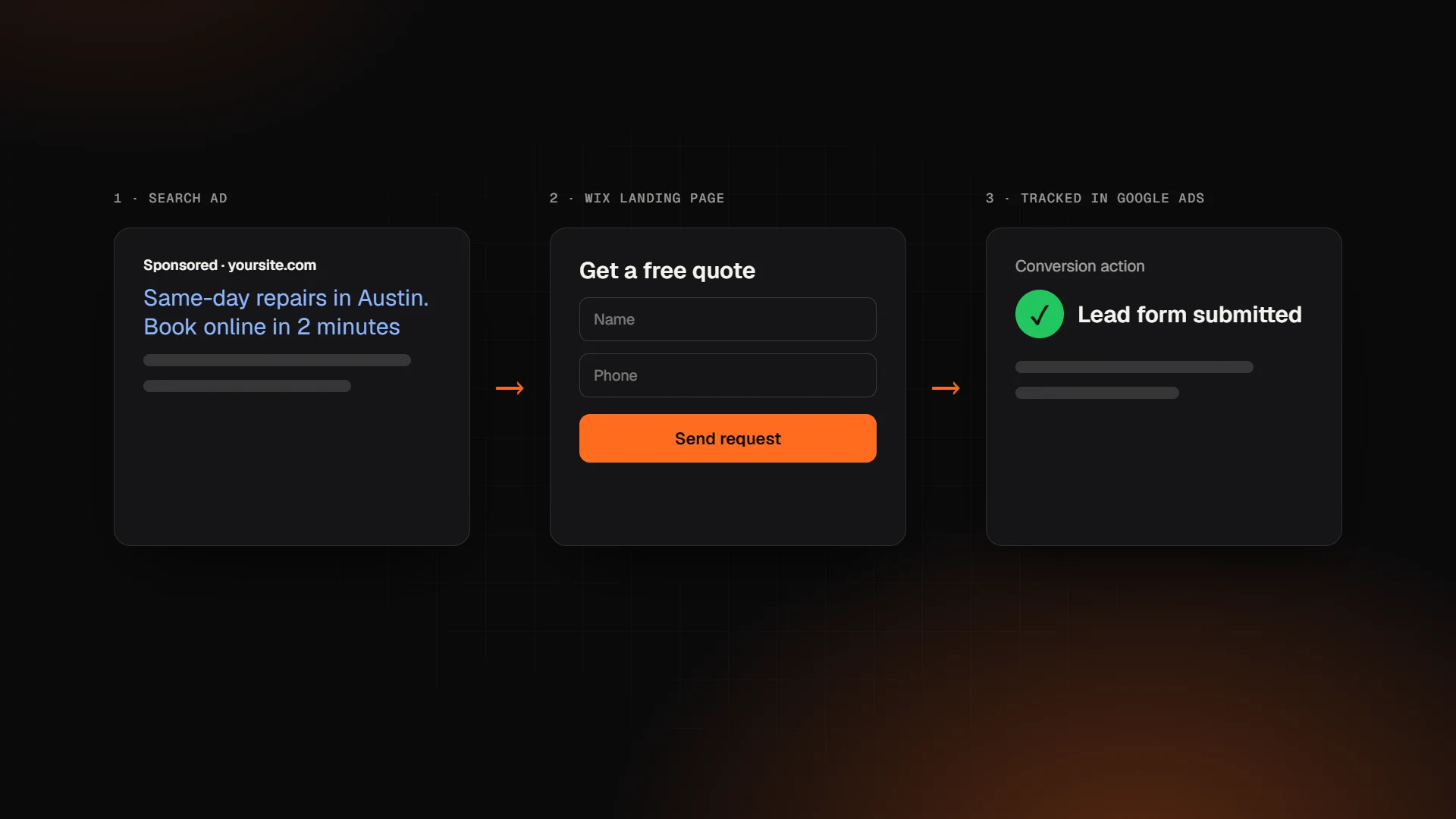 SEO & Marketing
Google Ads for Wix: How to Run Ads for Your Wix Website (2026)
Google Ads for Wix in 2026: Wix's built-in ads vs your own account, conversion tracking with the Google tag, PMax vs Search, budgets and common mistakes.
· 10 min read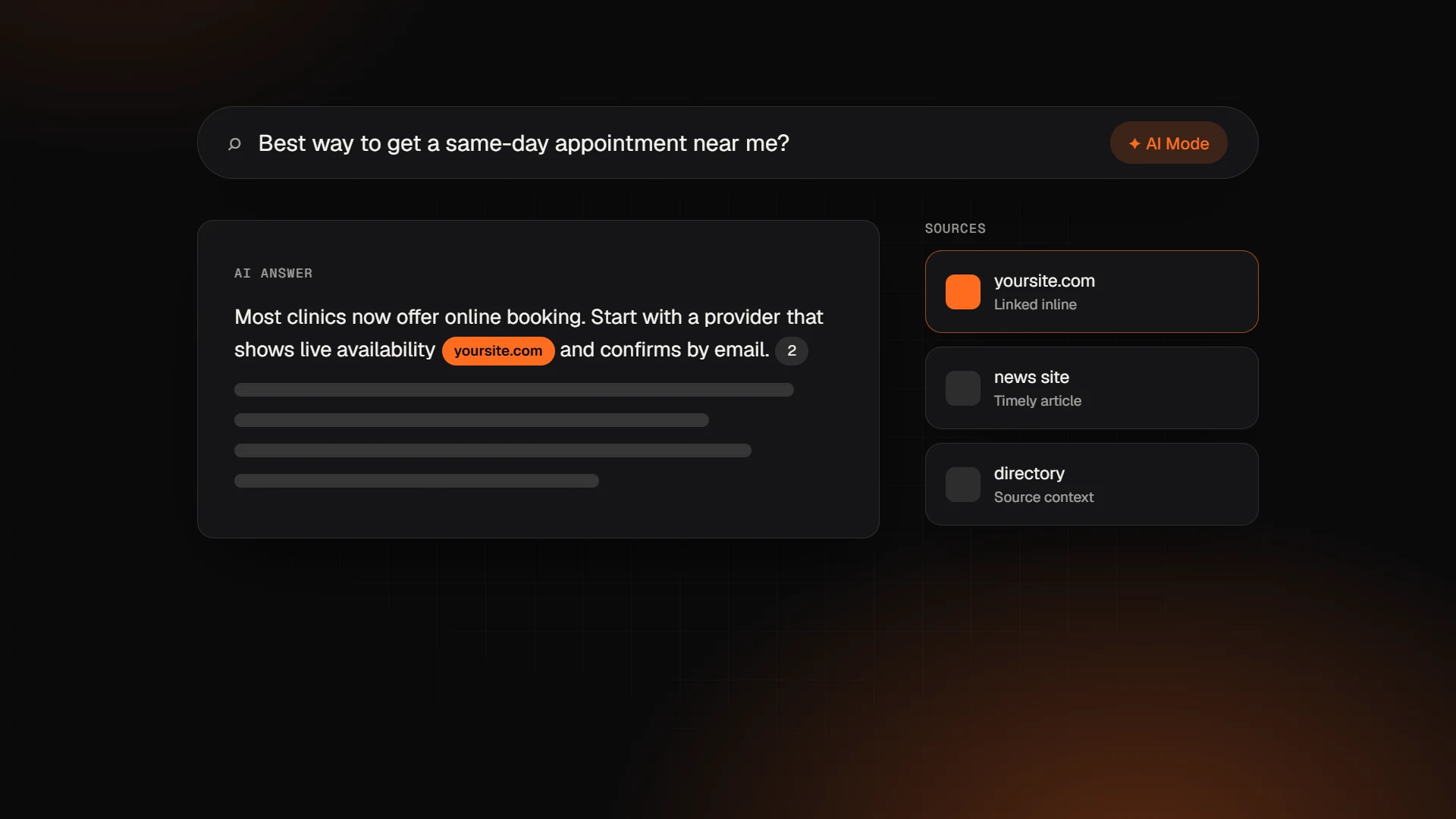 SEO & Marketing
Google AI Mode Update: What the October 2026 Changes Mean for Your Website
The October 2026 Google AI Mode update adds more inline links and a test of official-site links. What changed, what Google says, and how to get cited.
· 9 min read SEO & Marketing
Is Wix Good for SEO in 2026? An Honest Answer from a Wix Legend Partner
Is Wix good for SEO in 2026? A Wix Legend Partner explains what Wix handles well, where sites still lose rankings, and the fixes that matter most.
· 9 min read
Want an expert to look at your project?
Book a free 30-minute call with the Wix Engine team. You'll get honest advice and a detailed proposal within 24 hours.