

Wix Legends: Create an AI Version of You or Your Brand
 Bilal FaisalProject Manager & Lead Developer · 9 min read
Wix Legends is a new Wix product that creates an AI version of you, or of your brand, with a face, a voice and your knowledge. Visitors can text chat, talk or video call with it on a shareable page or on your website, and it keeps answering while you're offline. Wix announced it in late October 2026, and early access is opening in waves.
Key takeaways
- A Legend combines an avatar, a voice and a knowledge base you control. Visitors choose chat, voice or video.
- Setup is guided by a voice AI called Atlas. You connect a website, pick goals, choose a look and voice, add knowledge, tune behavior, test in Preview and publish.
- You can share a Legend by link or QR code, use a custom domain on paid plans, or embed it on a Wix site (Legends Widget) or any other site (HTML embed).
- Plans run on credits. At the time of writing, video uses about 20 credits a minute and voice about 10. Legends plans are separate from Wix site plans.
- The rules are strict: written consent to represent a real person, clear AI disclosure, no minors and no material medical, legal or financial advice. The owner is responsible for what the Legend says.
What is a Wix Legend?
Wix describes a Legend as "an AI version of you (or your brand) with a face, voice, and knowledge." In practice it has three parts:
- A face. A stock avatar, or a custom avatar made from your photo on paid plans.
- A voice. A stock voice, or one created from a recording you upload or make.
- Knowledge. Your website's public content plus snippets, files and links you add.
Visitors can talk to it three ways: text chat, voice calls and video calls. You decide which of those to switch on. Because it runs on Wix's side, it answers at 2 a.m. on a Sunday the same way it does at noon.
You don't need a Wix website to use Legends. You need a Wix account, and the Legend can read a non-Wix site and be embedded on any site.
How to create a Wix Legend, step by step
Wix's setup flow is short. Doing it well takes longer, mostly because of the knowledge and behavior steps.
1. Sign up and meet Atlas
Sign up with email, Google, Facebook or Apple. A voice AI guide called Atlas walks you through the setup by conversation.
2. Connect your website
Point the Legend at a Wix site or any other URL. It reads that site's public content as a starting knowledge base.
3. Choose your goals
Tell it what it's for, such as answering FAQs or helping visitors schedule time with you. The goal shapes how it steers conversations.
4. Pick an appearance
Free stock avatars are ready instantly. On paid plans you can create a custom avatar from a photo you upload or take, plus a style. Custom avatars can take up to 4 hours to process, so start this early if you have a launch date.
5. Set the voice
Choose a stock voice, or record or upload a voice sample. Before Wix creates a voice from a sample, you must confirm: "I confirm that I have the right to use this voice and agree to let Wix use it to create a Legend." Only tick that if it's your voice or you hold the rights in writing.
6. Add knowledge
Your site content is the base. You add to it with three types of source:
- Snippets — short entries with a category, a name and the text. Good for prices, policies and the questions your inbox sees every week.
- Files — documents such as service guides or FAQs.
- Links — web pages. They must be public. Pages behind a login or paywall may fail to load.
Wix says a Legend won't invent personal details about you, but it may draw on general web knowledge unless your instructions tell it not to. If accuracy matters, say so in the instructions.
7. Tune behavior
The behavior settings cover the welcome message and goal, response length (from Brief to Elaborate), tone (Casual, Friendly, Professional, Formal or Custom), custom instructions for wording and topics to avoid, proactiveness and creativity. Changes apply after you publish, and only to new conversations.
8. Test in Preview
The Preview page lets you talk to the Legend before visitors do. Ask it the awkward questions: refunds, prices you don't list, topics it should decline. Fix the knowledge or instructions, then test again.
9. Publish
Publishing gives the Legend a unique URL, which can't be changed. You can unpublish at any time.
Sharing and embedding your Legend
Once it's live, there are several ways to put it in front of people:
- Link and social. Share the URL by email, WhatsApp, Facebook or LinkedIn, or print the QR code on a flyer, slide or business card.
- Custom domain. On paid plans, connect one domain per Legend, either a root domain or a subdomain. The built-in URL keeps working, and the custom domain stops working if the paid plan ends.
- On a Wix site. Install the Legends Widget from the Wix App Market and paste your Legend ID. It works in the Wix Editor, Wix Studio and Wix Harmony.
- On any other site. Paste the HTML embed code into a non-Wix or headless site. The widget sits bottom-right, and the button is configurable, resizable and pinnable.
You also choose who can talk to it. By default it's open to anyone, or you can set it to Members only, so visitors sign up or log in first.
Insights: what visitors actually ask
The insights dashboard shows active visitors, daily active visitors, counts of messages, voice calls and video calls, visitor intent and trending topics, over 7 days, a month or a year. Data refreshes every 24 hours and is also in the mobile app. You can review individual conversations too.
The most useful part is the knowledge gaps list. When the Legend can't answer a question, it shows up there, and you can add the missing information. A monthly pass through gaps and conversations is what keeps a Legend accurate.
Wix Legends pricing
At the time of writing (October 2026), Wix lists four plans. Prices change, so check the official Wix Legends pricing page before you buy.
| Plan | Price per month | Credits | Approx. video | Approx. voice |
|---|---|---|---|---|
| Free | $0 | 300 | 15 minutes | 30 minutes |
| Creator | $23 | 1,200 | 60 minutes | 120 minutes |
| Pro | $47 | 3,000 | 150 minutes | 300 minutes |
| Studio | $71 | 5,000 | 250 minutes | 500 minutes |
Video costs about 20 credits a minute and voice about 10. The Free plan includes 300 chat messages, and the Creator plan lists unlimited chat. Yearly billing saves 20%. Paid plans include one custom avatar.
Legends plans are separate from Wix site plans. A Wix Premium plan for your website doesn't cover your Legend, and a Legends plan doesn't upgrade your site.
Rules and risks you need to know
Wix publishes clear limits on how Legends may be used. The main ones:
- Consent. You can't make a Legend represent another person, living or dead, without their written consent.
- No minors. A Legend must not interact with minors or represent anyone under 18.
- No material advice. No material medical, legal or financial advice, and no regulated decisions without proper compliance.
- No manipulation. No manipulative techniques, sweepstakes, explicit or hateful content.
- Disclosure. Visitors must be told they're talking to an AI.
- Responsibility. The owner is responsible for the Legend's outputs.
That last point matters most. If your Legend gives a wrong price or drifts into advice, it's your business on the line, not Wix's. Health, legal and finance businesses should be especially careful: keep the Legend to explaining your services and process, and use the custom instructions to decline anything that sounds like advice.
Wix Legends vs a website chatbot
They overlap, but they solve different problems.
A Legend fits when the person or brand is the product. Coaches, consultants and creators whose clients want to hear from them get a face and voice that answers questions in their style. Setup is quick, Wix hosts it, and video and voice are built in.
A custom chatbot fits when answers depend on your systems. Wix hasn't documented API or CRM integrations for Legends. If the assistant must check an order, read your Wix CMS, book a real slot or push a qualified lead into your CRM, that's a custom build. Our guide on how to add an AI chatbot to your Wix website compares the options, and AI chatbot development covers what a custom build includes. For budgets, see how much an AI chatbot costs.
Some businesses use both: a Legend on the homepage or a personal landing page, and a task-focused assistant where data matters. For Wix Stores, for example, our own Shop Concierge app answers product questions from the store's catalog.
Good use cases for a Legend
Based on Wix's own examples, Legends suit:
- Coaches and consultants who answer the same intro questions on every discovery call.
- Creators who want fans to ask questions in their voice, any time.
- Service businesses that want a friendlier way to explain what they offer and what it costs.
The jobs they handle well are FAQs, explaining services, steering visitors toward booking, and interactive Q&A, for example a Legend linked from a course page or a talk via QR code.
How Wix Engine can help
Legends is Wix's product, and anyone can set one up. Setting one up well means writing a knowledge base that answers real questions, tuning tone and limits, handling consent and voice rights properly, and checking the safety rules before launch. As a Wix Legend Partner with 2,000+ projects since 2014, we've built custom AI chatbots on Wix for clients including Canada Medical Notes, US Medical Notes and Sharon Homes, so we know how assistants go wrong and how to test them.
Our Wix Legends setup service covers goals and plan choice, knowledge writing, behavior tuning, avatar and voice, publishing, embedding on your Wix site or any other site, and a compliance checklist, with optional monthly reviews of your insights. If you need a broader build around it, see our Wix development and AI integration services. Read more about Wix Legends setup or Book a Free Call.
FAQ
Is Wix Legends free?
There's a Free plan. At the time of writing it includes 300 credits a month, which is about 15 minutes of video, 30 minutes of voice or 300 chat messages. Paid plans start at $23 a month and add more credits and a custom avatar. Check Wix's pricing page for current numbers.
Do I need a Wix website to use Wix Legends?
No. You need a Wix account, but the Legend can read a non-Wix website and you can embed it on any site with the HTML embed code. On Wix sites you add it with the Legends Widget from the Wix App Market.
Can I make a Legend of someone else?
Only with their written consent. Wix's rules forbid representing another person, living or dead, without it. The same applies to voices: you must confirm you have the right to use any voice sample you upload.
How is a Wix Legend different from a chatbot?
A Legend is a persona with a face and voice that answers from the knowledge you give it, by chat, voice or video. A custom chatbot is usually text-first but can connect to your systems to check orders, bookings or a CRM. Pick based on whether the person or the data matters more.
How do I get access to Wix Legends?
Wix is opening early access in waves, starting in October 2026. Start from the Wix Legends product page, where you sign up with email, Google, Facebook or Apple. Wix hasn't published the criteria or regions for each wave.
Bilal Faisal
Project Manager & Lead Developer at Wix Engine
Software engineer who plans and leads Wix Engine's development projects.
LinkedIn ↗Keep reading
All articles →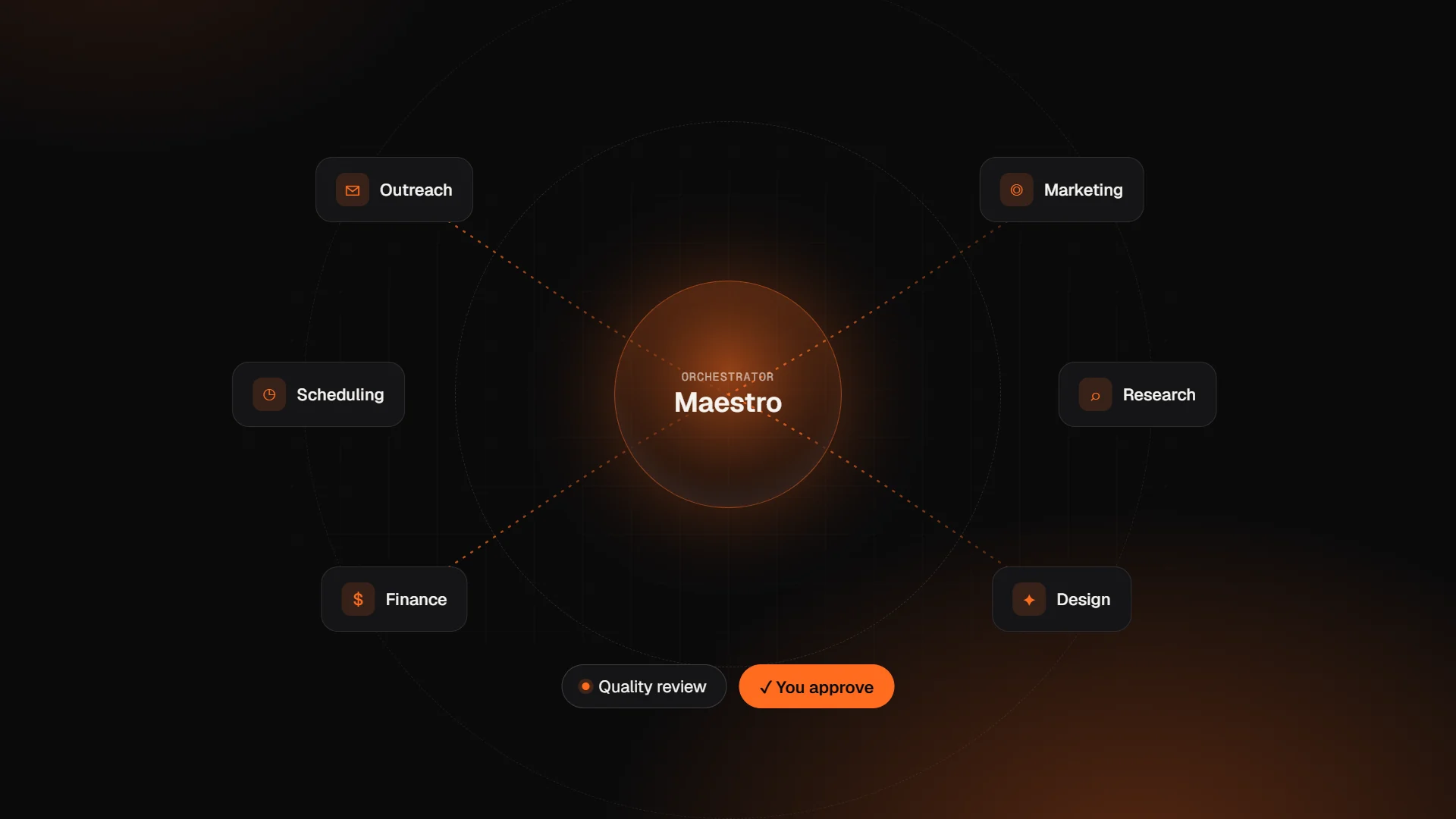 AI
AIWhat Is Symphony by Wix? AI Agents, Pricing and Setup
Symphony by Wix explained: how Maestro and its AI agents work, what the plans cost, what it connects to, and when a custom AI agent is the better fit.
· 9 min read AI
AIHow to Add an AI Chatbot to Your Wix Website
Three ways to add an AI chatbot to Wix: Wix Smart Chat, an App Market bot, or a custom Velo chatbot calling the Claude API. Working code included.
· 11 min read Wix
WixWix Headless Explained: When to Pair Wix with Next.js
What Wix Headless is, how it differs from Velo, Wix-managed vs self-managed, and when pairing Wix with Next.js is worth it. With a working SDK example.
· 9 min read
Want an expert to look at your project?
Book a free 30-minute call with the Wix Engine team. You'll get honest advice and a detailed proposal within 24 hours.